Labels plugin
When you add labels plugin, items gain ability to be labelled.
How it works
After adding labels plugin, you can add and delete tags in settings. Then, users can label items with one or mmre predefined tags. Tags are shown near item names across the system.
Iteractions with other plugins
Labels do not interact with other plugins.
Configuration
You can add and delete labels. Labels can have background colors.
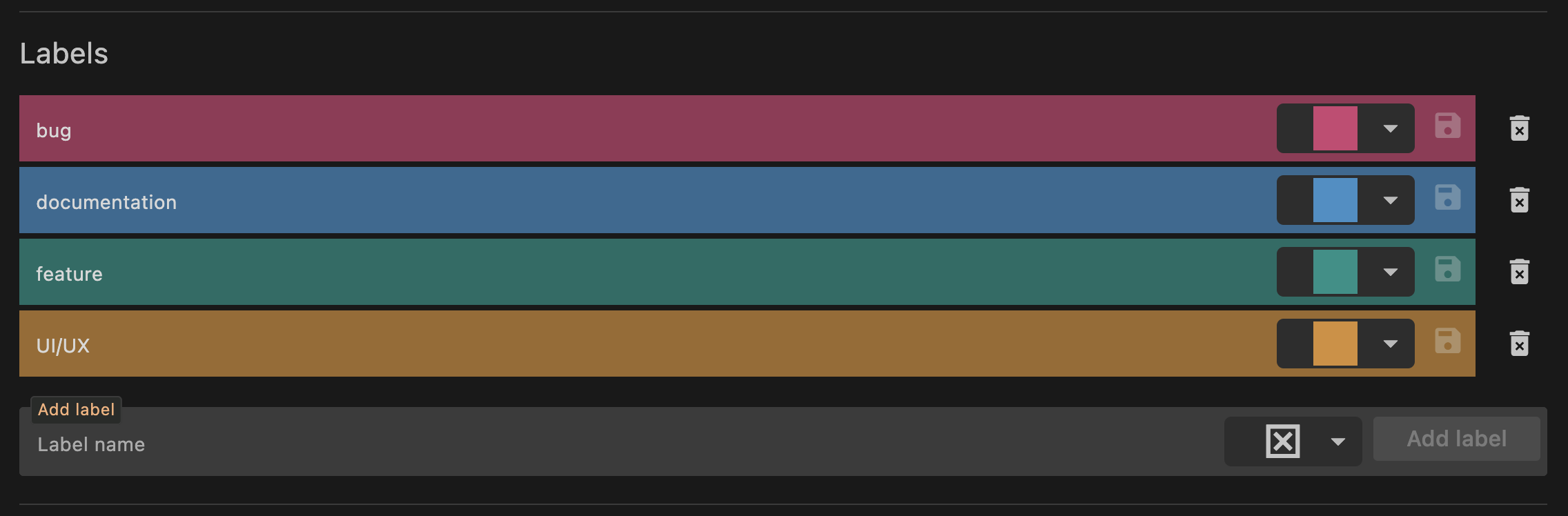
Item settings
In the collection settings tab, you have the option to add and delete labels.
Usage
When to use
Labels are useful in items categorization. They facilitate communication and collaboration within teams by providing a common language for item-related information.
They are similar, but more flexible than folders. One item can have multiple labels that can be filtered by (see Filtering).
When not to use
There are no caveats in using labels.